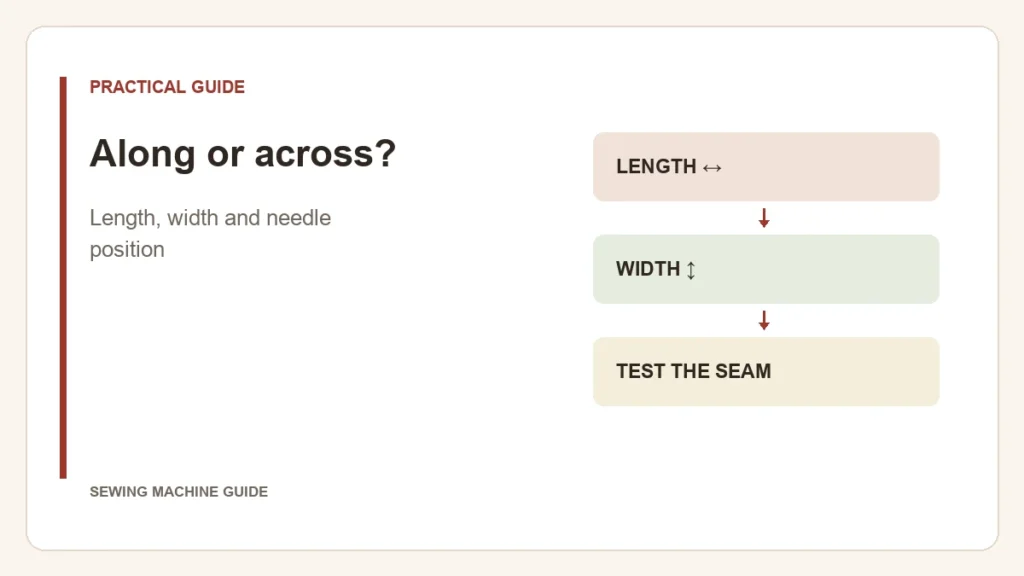
Length runs along the seam; width runs across it. Stitch length changes the spacing between successive penetrations in the feeding direction. Zigzag width changes the sideways reach. These are different dimensions, so increasing one does not automatically increase the other.
| Setting | What changes on the fabric | What stays a separate choice |
|---|---|---|
| Straight-stitch length | Spacing along the seam | Where the needle sits relative to the foot |
| Zigzag length | Forward spacing of the zigzag | Its side-to-side span |
| Zigzag width | Side-to-side span | Forward spacing |
A spacing example
As an idealized geometry example, a 30 mm stretch divided into 3 mm intervals contains ten intervals; divided into 2 mm intervals it contains fifteen. That explains why a longer setting makes fewer stitches over the same distance. It is not a promise that every fabric will feed exactly to the dial’s number.
To see width separately, keep the zigzag length unchanged and compare two permitted widths on scrap. The second dimension becomes obvious when the rows sit next to each other. Mark the settings beside the rows so you do not confuse a wider stitch with a longer one.
Why the width dial may move a straight stitch
On some machines the width control selects needle position when straight stitch is active. Moving the needle changes where the seam falls relative to the foot or edge guide; it does not create zigzag. Brother’s width/length guidance documents this for specific models.
After a sideways change, check that the selected foot and plate permit that needle position. The Brother setting reference warns about clearance. Not every pattern accepts every adjustment.
Choose the seam, then its settings
A denser row is not automatically stronger. Use the stitch and starting settings recommended for the construction, then inspect the sample. If fabric bunches or stops feeding, diagnose that problem instead of repeatedly shortening the stitch.
When changing patterns or resuming work, confirm the displayed values: some machines restore defaults unless settings are saved. When comparing feature lists, stitch applications and pattern counts answer a different question from whether you can adjust length and width.