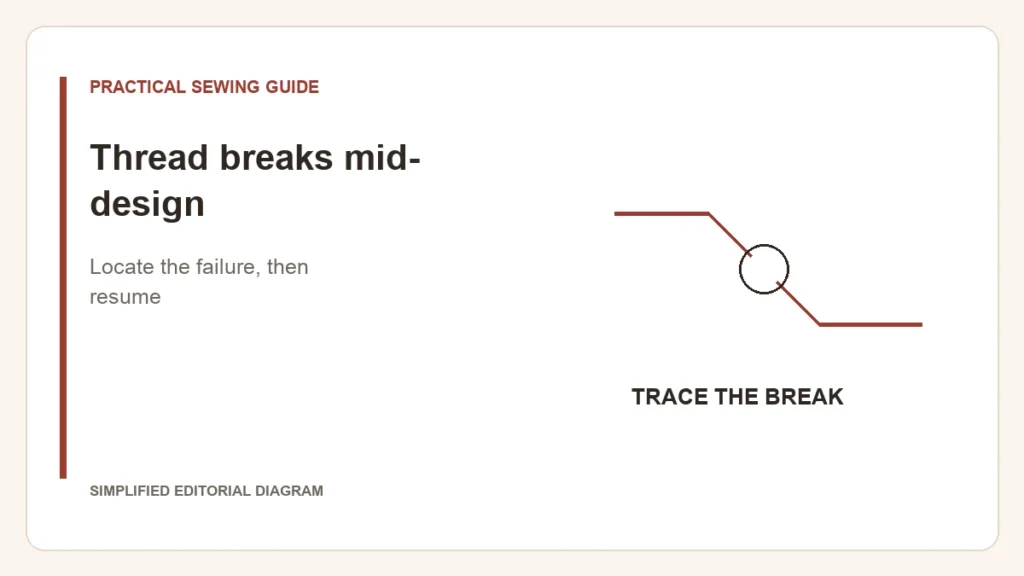
Stop at the break and preserve the hoop position. Repeatedly rethreading and restarting without checking the cause can leave both gaps and dense restitching. First establish whether the upper thread actually broke, came out of its path, or whether a different thread supply ran out.
Follow the upper thread toward the needle
- With the machine stopped and made safe for threading, inspect the spool and cap for snagging or tangled delivery.
- Rethread using the exact model’s path, including the take-up lever and needle-bar guide.
- Check that the needle is the permitted type, correctly installed and undamaged.
- Inspect accessible thread-contact areas according to the manual. A damaged plate or suspected burr calls for service, not improvised filing.
The Brother embroidery troubleshooting manual lists threading, spool-cap problems, tangled thread, needle faults, excessive tension and plate damage among relevant causes. That list gives a route to investigate; it does not establish which one caused your break.
Record where it happens
- At the same design location: keep the file name and stitch position for support.
- At varying locations: note the thread, needle and whether delivery catches.
- After a needle change or a new spool: include that change in your notes.
Resume with the model’s controls
Use the documented recovery function to return to a suitable stitch position. Do not manually drag the hoop into place. Brother’s PP1 recovery instructions illustrate an app-controlled route; other machines use different controls and steps.
If a normal threaded test still fails, stop sacrificing the garment and seek support with the sample, file and settings. If the thread is intact but the outline has moved, follow registration troubleshooting instead. If bobbin thread appears on top without breaking, use the thread-balance guide.