Look at the pattern of the mismatch before changing tension. Does the whole design shift after one event, do particular outlines miss repeatedly, or does the problem appear only on the garment? Each pattern points to a different investigation.
A sudden shift after stitching was already aligned
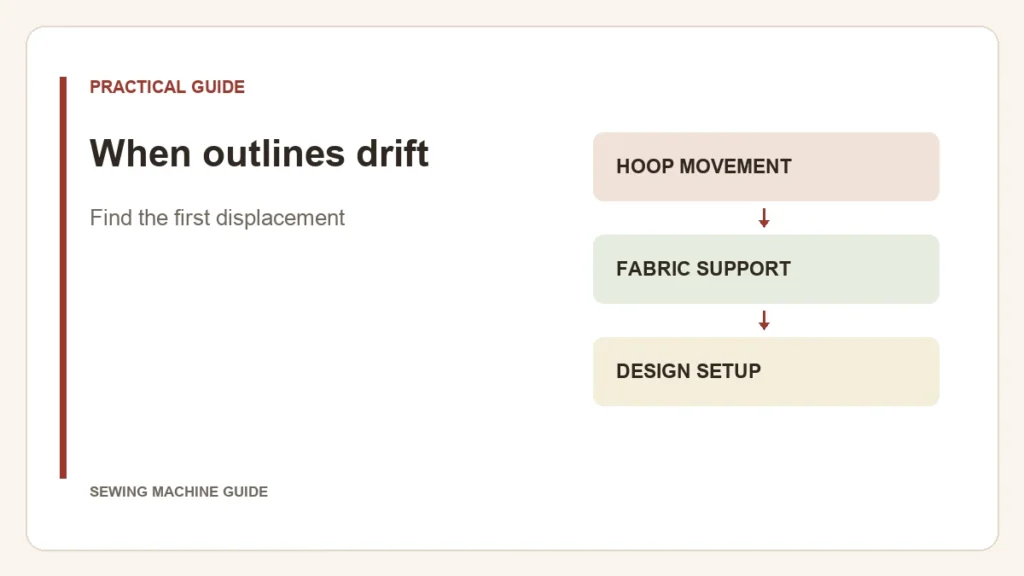
Stop and look for a hoop disturbance, collision, snag or thread tangle. Check the frame attachment and the path of the loose fabric. Restarting at an earlier stitch cannot repair a hoop that has moved relative to the garment.
The same areas miss on repeated samples
Compare the fabric support and hooping, then assess whether the design is suitable for that material. Digitizing decisions such as underlay and pull compensation can affect alignment. A repeating error is not automatically proof that the machine’s mechanism is faulty.
A flat scrap works, but the garment does not
The garment brings weight, seams and stretch that a small scrap may not reproduce. Check what hangs outside the frame and whether it obstructs carriage movement. Brother’s embroidery manual warns about large hanging fabric restricting movement. Support it without pushing or pulling the hoop while stitching.
Check these before another stitch-out
- The hoop is seated and locked as instructed.
- Fabric and support have not slipped within the hoop.
- The frame has room to travel without striking surrounding objects.
- Thread and excess fabric cannot catch in the moving work.
These checks follow the categories in Brother’s misaligned-pattern guidance. Use stabilizer appropriate to the fabric rather than adding arbitrary layers to every sample.
Keep the next test traceable
Preserve the original design. Note where the first misalignment appears, what changed immediately before it and which single setup change you make next. Moving the design on screen can conceal one offset while creating another; it is not a substitute for finding movement or an unsuitable design setup.
If displacement persists with a correctly prepared, unobstructed test, take the sample, design and observations to the manufacturer or dealer. Do not attempt internal timing adjustments on the basis of an outline miss alone.