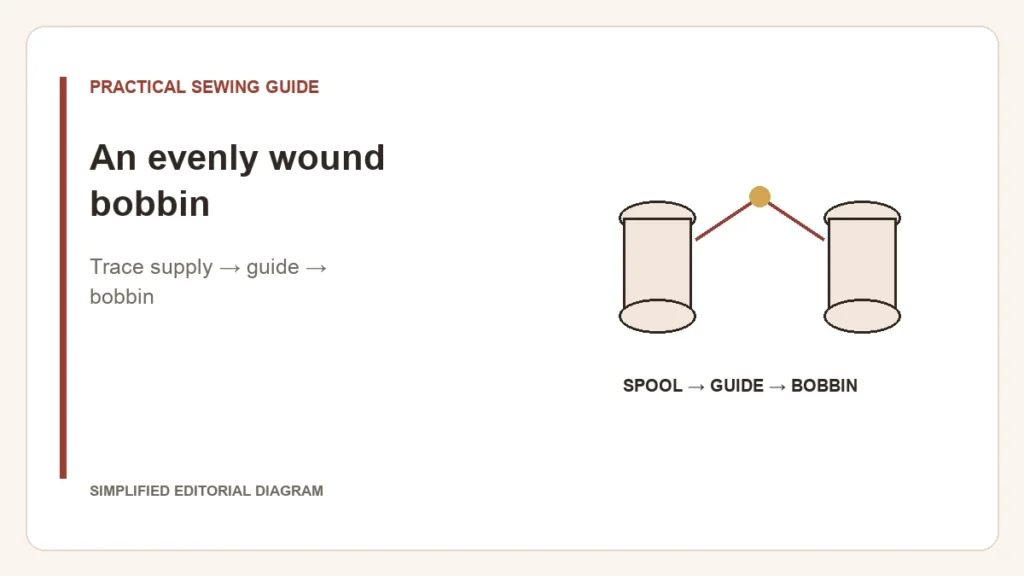
Thread building up at one end of the bobbin is a winding problem to solve before sewing. Do not put a loose or unevenly wound bobbin into the case and try to compensate with the sewing tension dial. That dial does not repair the winding already on the bobbin.
Follow the path while the machine is stopped
- Check that the bobbin is the exact approved type and is seated as the manual requires. A similar-looking spare can behave differently on the spindle.
- Check how thread leaves the spool. A wrong cap or a snag can interrupt delivery before the thread even reaches the winding guide.
- Trace the dedicated bobbin-winding path, including its pre-tension guide or disc. This is not necessarily the path used for the needle thread.
- Remove the poor winding and restart according to the manual. Stop again if the same uneven pattern develops.
These checks reflect Brother’s winding guidance for the SQ9000, SQ9050 and SQ9185. The exact cap, threading direction and spindle controls remain model-specific; do not copy another machine’s adjustment screw position.
What the pattern can tell you
- A jumping spool points attention upstream toward thread delivery.
- Thread piling unevenly despite smooth supply points attention to the winding path and seating.
- A wobbling spindle, unusual noise or persistent failure after documented checks warrants service rather than hand-guiding thread beside moving parts.
Before returning to the seam
Follow the specified fill limit and return the machine from winding mode to sewing mode. Install the bobbin using its own direction and tension-slot instructions. Correct winding and correct insertion are two separate checks.
If the spare’s identity is uncertain, resolve bobbin compatibility first. Keep one failed sample and a note of the bobbin and thread used if support is needed. That is more informative than changing several adjustments and losing the original symptom.