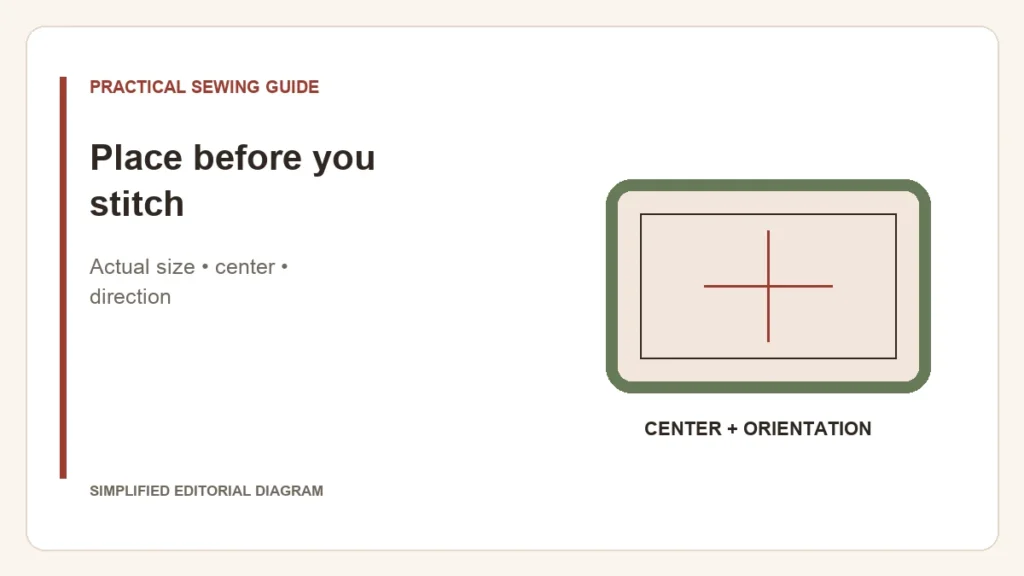
The center of a hoop is not automatically the right place on a garment. A paper template of the actual design lets you assess position, size and orientation before the fabric is secured. Use the final design version: an old printout becomes misleading after resizing.
Keep the printout at actual size
OESD’s template guidance specifies printing at 100% with the design center shown. Check your print settings rather than trusting “fit to page.” If the design has changed, regenerate its template instead of adjusting an old one by eye.
- Place the template where the embroidery should appear on the finished item. Consider seams, pockets, folds and how the garment will hang.
- Mark the center and the up direction using a method tested for that fabric. A center dot alone does not establish rotation.
- Hoop and support the fabric using the chosen method, then compare the marks with the machine’s positioning controls.
- Use the documented position/trace check and clear the garment from the moving area before starting.
A placement decision has more than one dimension
| Check | Question |
|---|---|
| Location | Does the design sit where you want it when the item is used? |
| Orientation | Is its top aligned with the garment rather than a tilted hoop? |
| Access | Can the machine stitch that area without catching another layer? |
| Field | Does the complete design fit within the machine’s supported embroidery area? |
For example, centering a motif on a folded shirt can place it differently once the shirt is opened and worn. A template helps reveal that before thread is committed. There is no one neckline distance that suits every garment shape and design.
The hoop-versus-field guide resolves the size question. If the design was correctly placed but its outline later shifts away from the fill, that is a separate registration problem.
Keep the final template with your project notes. It records the intended position more clearly than a memory of where the hoop appeared to sit.