Brother Skitch PP1 Review: App-First Embroidery With Tradeoffs
At a Glance
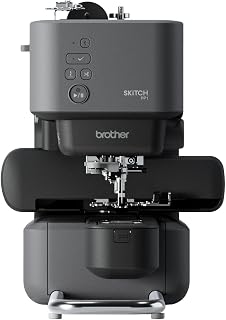
KEY FEATURES
- 4×4 magnetic embroidery frame
- Required Artspira mobile-app connection
- 400-spm single-needle embroidery
- Automatic cutter and upper/bobbin sensors
PROS
- The magnetic hoop makes repositioning simpler than a screw-clamp frame
- Successful owners report quick setup and attractive small designs
- Compact body and app browsing lower the physical-control burden
CONS
- Artspira is mandatory and many useful tools or designs may require payment
- The machine has few onboard controls and poor offline resilience
- Connectivity, bobbin seating, thread tangles and support complaints recur strongly
Editorial Rating
Based on supplied customer reviews and verified product documentation
Price and availability subject to change
The Brother Skitch PP1 moves the embroidery interface away from the machine and onto Artspira. That creates a compact, modern 4×4 workflow with a magnetic hoop, but it also means the app, mobile device and connection are required parts of every project. Across 100 supplied reviews, that dependency separates delighted beginners from deeply frustrated owners.
The machine begins at the phone
Brother explicitly requires Artspira. The free tier can transfer designs and provide basic drawing and browsing, while advanced importing, digitizing and other tools may involve Artspira+ or paid content. Buyers expecting a standalone control panel or USB fallback should stop here: the Skitch’s minimal physical buttons do not replace the app.
Browsing feels familiar
Design selection and transfer happen on a mobile screen rather than a small machine display.
There is no real fallback
Connection, account or app trouble can stop the embroidery workflow instead of merely removing convenience.
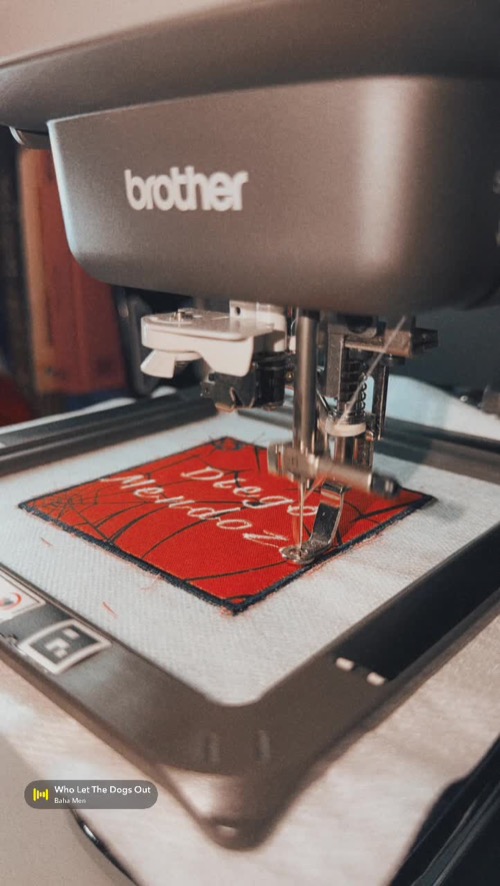
The magnetic frame is the strongest hardware idea
The 4×4 magnetic frame avoids a screw clamp and makes repositioning small garments or patches quicker. Successful owners describe setup in under half an hour, clean lettering and useful access around the narrow arm. The same 4×4 geometry remains a hard limit for larger names and motifs.
Thread trouble becomes harder when controls are remote
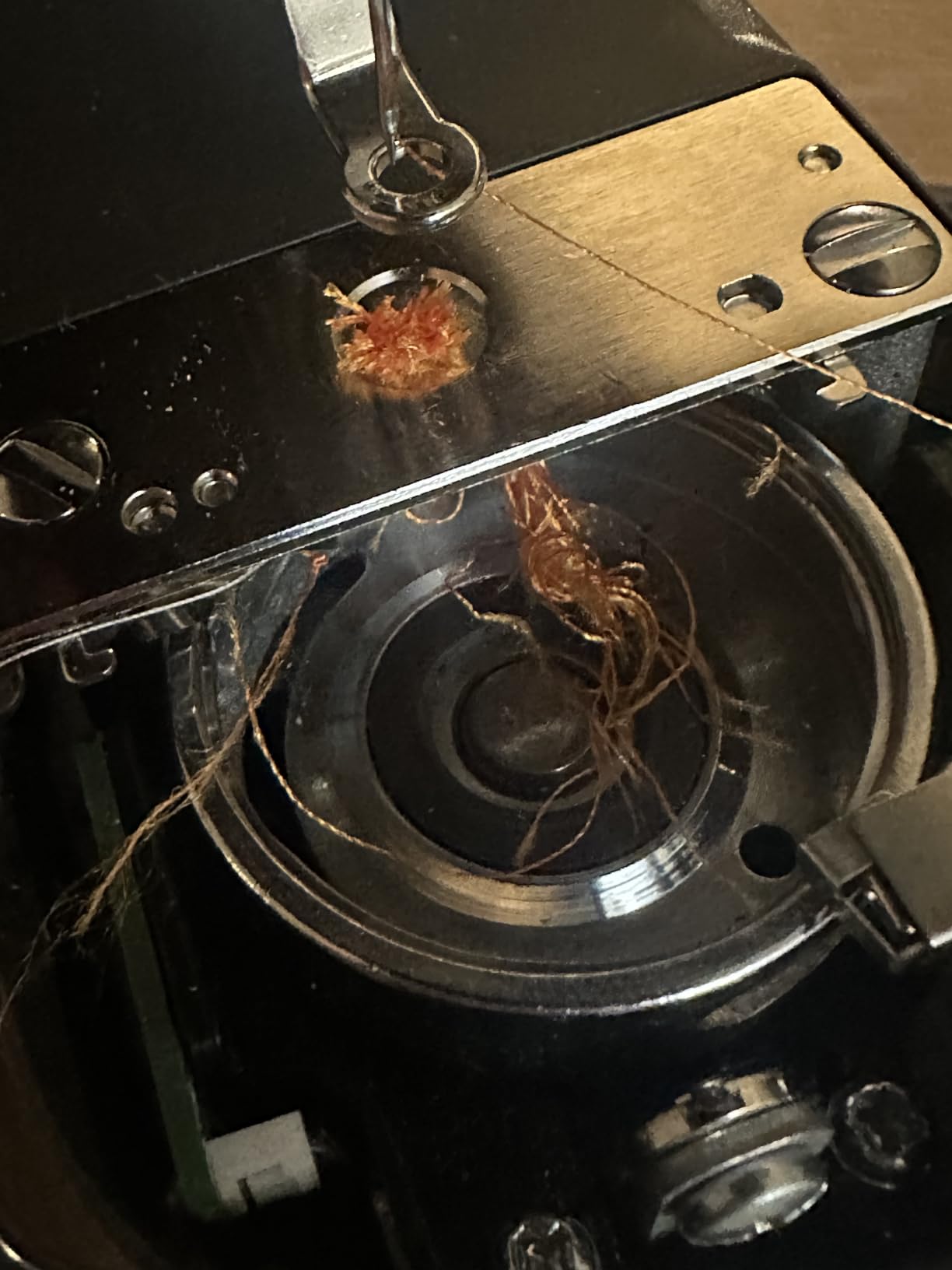
The negative record repeatedly mentions bobbin seating, tangles, needle breaks and safety errors. One experienced sewer spent about 2.5 hours recovering from a displaced bobbin carrier after the machine appeared bricked; the app’s troubleshooting did not match the problem. After reseating the carrier and updating firmware, that owner reports good operation.
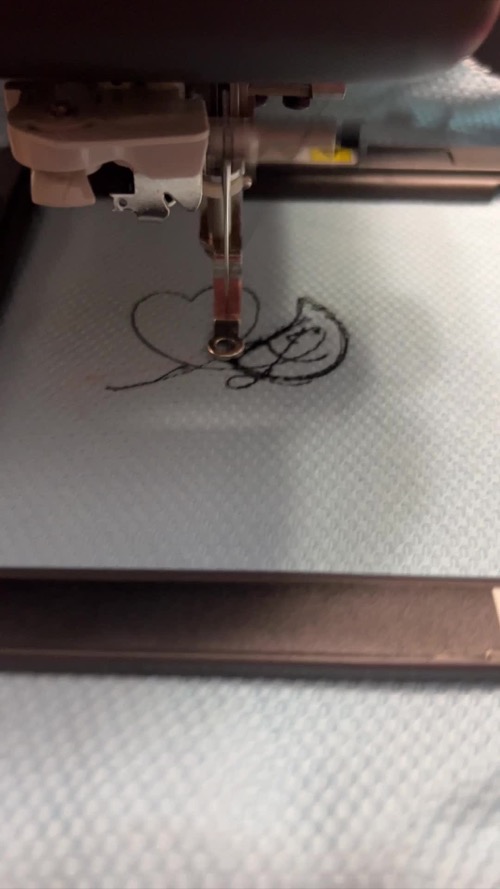
- Confirm phone compatibility and account access before unboxing supplies.
- Pair and update the machine before beginning a valued garment.
- Inspect bobbin-carrier seating and follow the complete thread path.
- Run a free sample design on stabilized scrap and practice recovery from a stop.
Who should accept the trade?
A phone-comfortable beginner who wants small patches and personalization may enjoy the low hardware price and magnetic hoop. A buyer who dislikes subscriptions, needs offline reliability or expects local repair staff to diagnose an app-controlled platform faces a poor fit. The Skitch is innovative, but the supplied evidence does not support calling its app dependency universally beginner-friendly.
App longevity belongs in the ownership calculation
A conventional machine can keep sewing when a phone is replaced or a cloud account is unavailable. The Skitch cannot offer the same independence because Artspira is required. Before purchase, verify current operating-system compatibility, account availability in the buyer’s region and what the free tier can import. Those conditions can change independently of the mechanical machine.
The return window should include a recovery test, not only a successful sample. Stop a design, close and reopen the app, and confirm the documented method for resuming or safely canceling. Save the support pages for bobbin-carrier and safety errors. A buyer who cannot tolerate downtime caused by pairing, firmware or account access should treat this architecture as a structural mismatch rather than hoping later updates remove it.
Customer photos
Pros & Cons Analysis
Based on supplied customer reviews and verified product documentation
Pros
- Owners who follow setup closely praise the magnetic hoop, automatic cutting and clean small designs.
- The compact free-arm-style layout can reach areas that are awkward on a conventional flat embroidery bed.
- A free Artspira tier can transfer designs and use basic drawing tools.
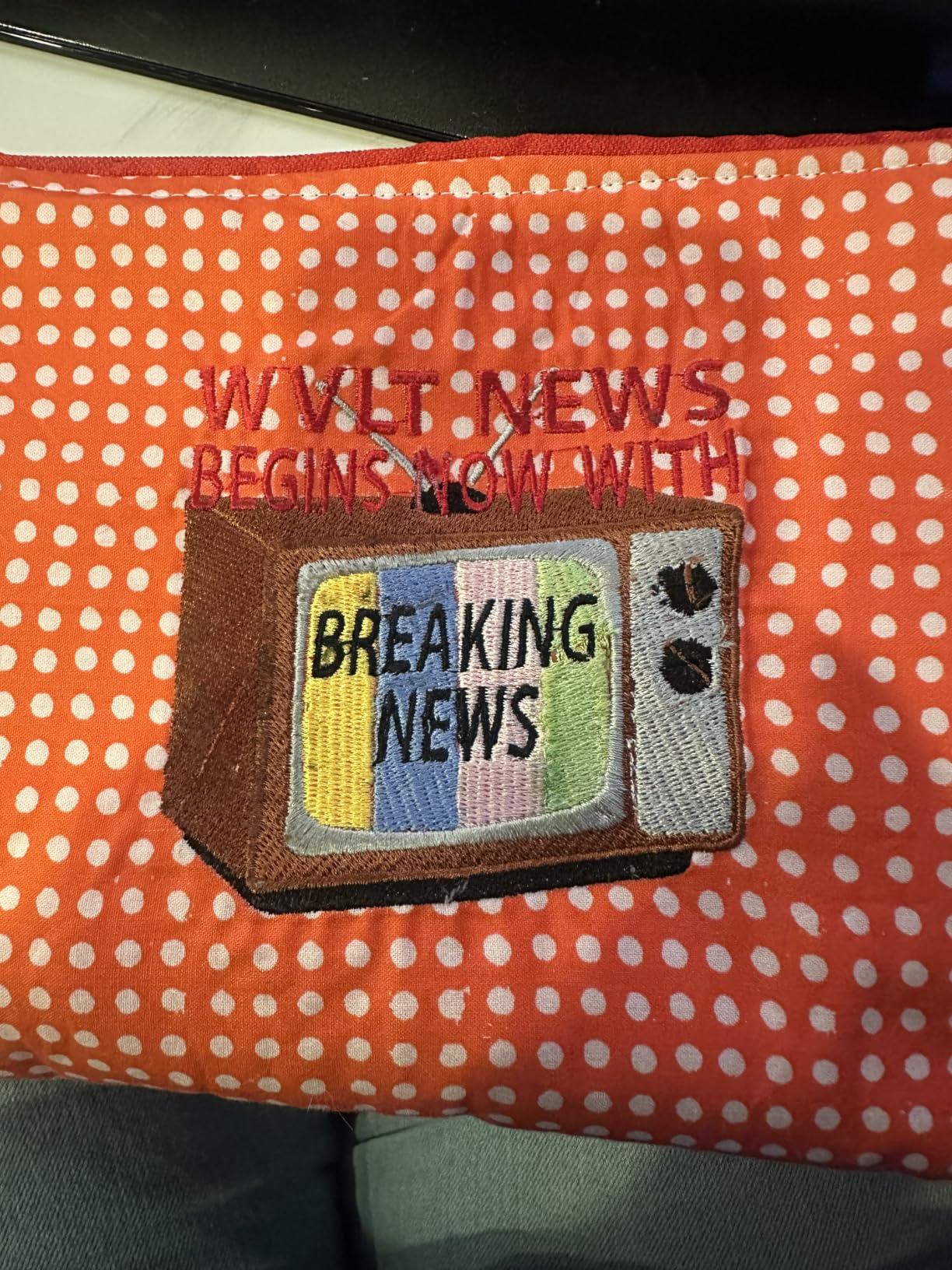
- Customer media documents both successful lettering and the kind of underside tangle that needs troubleshooting.
Cons
- Brother states that Artspira is required to use the machine, making a compatible mobile device and account part of the product.
- The review pool contains frequent app, Bluetooth, firmware, bricking, bobbin-carrier and thread-tangle complaints.
- The 4×4 field, 400-spm speed and single needle constrain scale and production.
- Some advanced Artspira features and designs require a subscription or purchase.
Our Verdict
The dependency is the decision
Buy the Skitch only if an app-required embroidery workflow feels like a feature, not a compromise.
What is genuinely clever
The magnetic 4×4 frame is quick to reposition, and the narrow arm suits small ready-made items. Successful first-time owners describe clean designs with little physical control-panel learning.
What raises risk
- No useful offline workflow when the required app or connection fails.
- Recurring bobbin, thread and safety-error reports.
- Paid software expectations beyond the hardware purchase.
Recommendation
The Skitch can be fun for small personalization by a phone-comfortable hobbyist with strong return rights. Buyers who value standalone controls, USB fallback or predictable support should choose a conventional 4×4 machine.
Frequently Asked Questions
Can Brother Skitch work without Artspira?
No. Brother states that an Artspira connection is required to use the PP1.
What size designs can it embroider?
The maximum field is 4 by 4 inches, or 100 by 100 mm.
Is Artspira free?
A free Standard tier supports basic transfer and drawing, while some importing, digitizing and advanced tools are associated with Artspira+ or paid content. Check current terms before purchase.
Does it have a normal touchscreen?
No. The workflow is primarily controlled through a compatible mobile device and the machine has only a small set of physical buttons.
What should be tested immediately?
Pair the app, update firmware, load the magnetic frame, and complete a built-in or free sample while monitoring bobbin seating, thread path, sensors and recovery from an intentional stop.
Technical Specifications
| Machine class | App-driven single-needle embroidery-only machine |
|---|---|
| Control type | Required Artspira mobile app plus limited physical buttons |
| Primary functions | Small programmed embroidery and personalization |
| Built-in stitches / applications | Embroidery only; designs accessed through Artspira |
| Maximum sewing speed | 400 embroidery stitches per minute |
| Bobbin / looper system | Quick-set bobbin |
| Maximum embroidery area | 4 × 4 inches / 100 × 100 mm |
| Needle threader | Automatic / assisted |
| Warranty | Brother 1/2/25-year limited warranty |
Brother SE700 Review: Accessible 4×4 Sewing and Embroidery
PooLin EOC05 Review: Beginner Embroidery Backed by Hands-On Support
Janome Memory Craft 9850 Review: Capable Combo, Demanding Bobbin Care