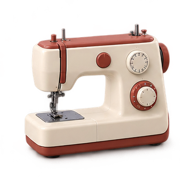
Brother SE700 Review: Accessible 4×4 Sewing and Embroidery
At a Glance
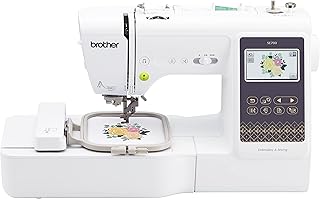
KEY FEATURES
- 103 sewing stitches and 10 one-step buttonholes
- 4×4 embroidery field with 135 designs and 10 fonts
- Wireless LAN, Artspira and color touchscreen
- 710-spm sewing and 8 included feet
PROS
- Owners value having competent sewing and embroidery in one affordable body
- Setup, tutorials and touchscreen prompts help many beginners start quickly
- Automatic threading, cutting and wireless transfer reduce repetitive steps
CONS
- The 4×4 embroidery field limits longer and larger layouts
- Some owners prefer the embroidery side and report uneven regular sewing
- Defective arrivals, needle problems and support complaints appear in the pool
Editorial Rating
Based on supplied customer reviews and verified product documentation
Price and availability subject to change
The Brother SE700 offers two complete entry workflows in one body: 103-stitch computerized sewing and 4×4 embroidery with wireless design transfer. One hundred supplied owner texts show why that combination attracts beginners, but they also make the fixed hoop size and the need to test both modes impossible to ignore.
One machine saves space, not learning time
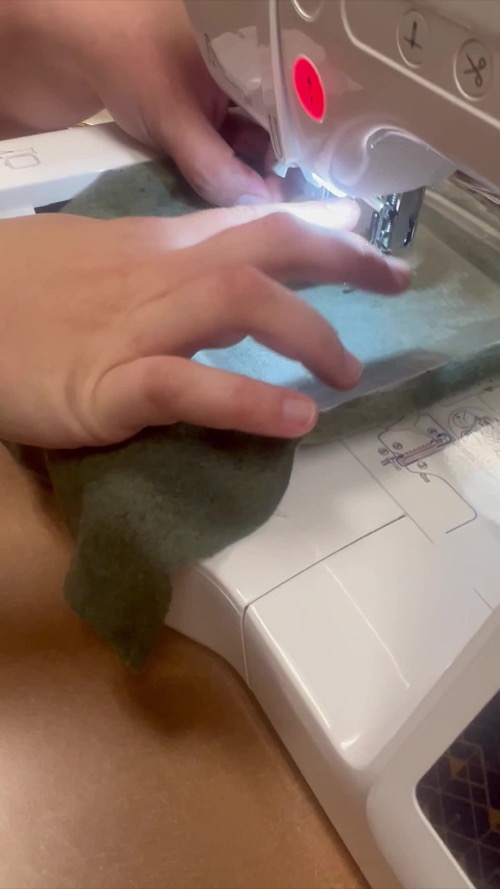
Physical conversion is straightforward: remove or attach the embroidery unit and install the correct foot. The skills remain different. Sewing involves feed, seams and garment construction; embroidery adds hoop tension, stabilizer, file quality and color order. Several owners found the SE700 easy after videos, while others struggled when they treated embroidery as automatic printing.
The 4×4 boundary decides whether value lasts
Small monograms, patches, children’s clothing and compact motifs fit naturally. Longer names and medium shirt designs may require resizing, splitting or a different machine. The SE700 should not be bought on the assumption that a larger accessory hoop will change the machine’s maximum stitch field.
Owners praise the start, then expose the checkpoints
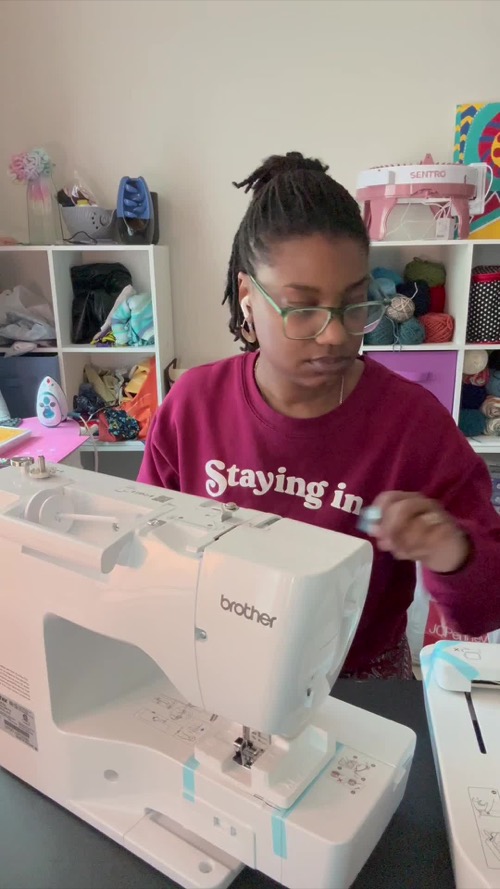
A two-mode acceptance test
| Test | What it isolates |
|---|---|
| Straight stitch and buttonhole | Basic feed, tension and sewing controls. |
| Built-in embroidery design | Hooping and machine operation without file-transfer variables. |
| Wireless design transfer | Network, account and compatible-file workflow. |
| Repeated color change | Threading consistency and sensor behavior. |
The SE700 is easiest to recommend to a space-conscious beginner who wants to explore both disciplines and whose embroidery plans fit 4×4. It is less suitable for a sewing-only buyer, a production workflow or anyone already collecting 5×7 designs. Within its physical limit, the owner evidence supports strong value—after the exact unit passes both halves of the test.
Compare the SE700 with two narrower alternatives
Against the embroidery-only PE545, the SE700 adds regular sewing while keeping the same 4×4 field and a similar design library. Against an entry sewing-only Brother, it adds the hoop, touchscreen and wireless embroidery workflow at the cost of more setup and storage. The right comparison therefore depends on whether the second mode will appear in real projects, not whether a combo machine sounds like better value.
Supplies also divide by mode. Sewing feet, garment needles and ordinary thread do not replace embroidery stabilizer, embroidery thread and the specified bobbin thread. Keep the first purchases small and labeled by workflow. This reduces setup mistakes and prevents an inexpensive combo machine from quietly becoming an expensive collection of unused accessories.
Customer photos
Pros & Cons Analysis
Based on supplied customer reviews and verified product documentation
Pros
- Many first-time embroiderers describe quick learning through manuals, QR resources and videos.
- The sewing side includes a free arm, 103 stitches, ten buttonholes and eight feet rather than a minimal fallback.
- Owners praise quiet running, versatility and value compared with maintaining separate entry machines.
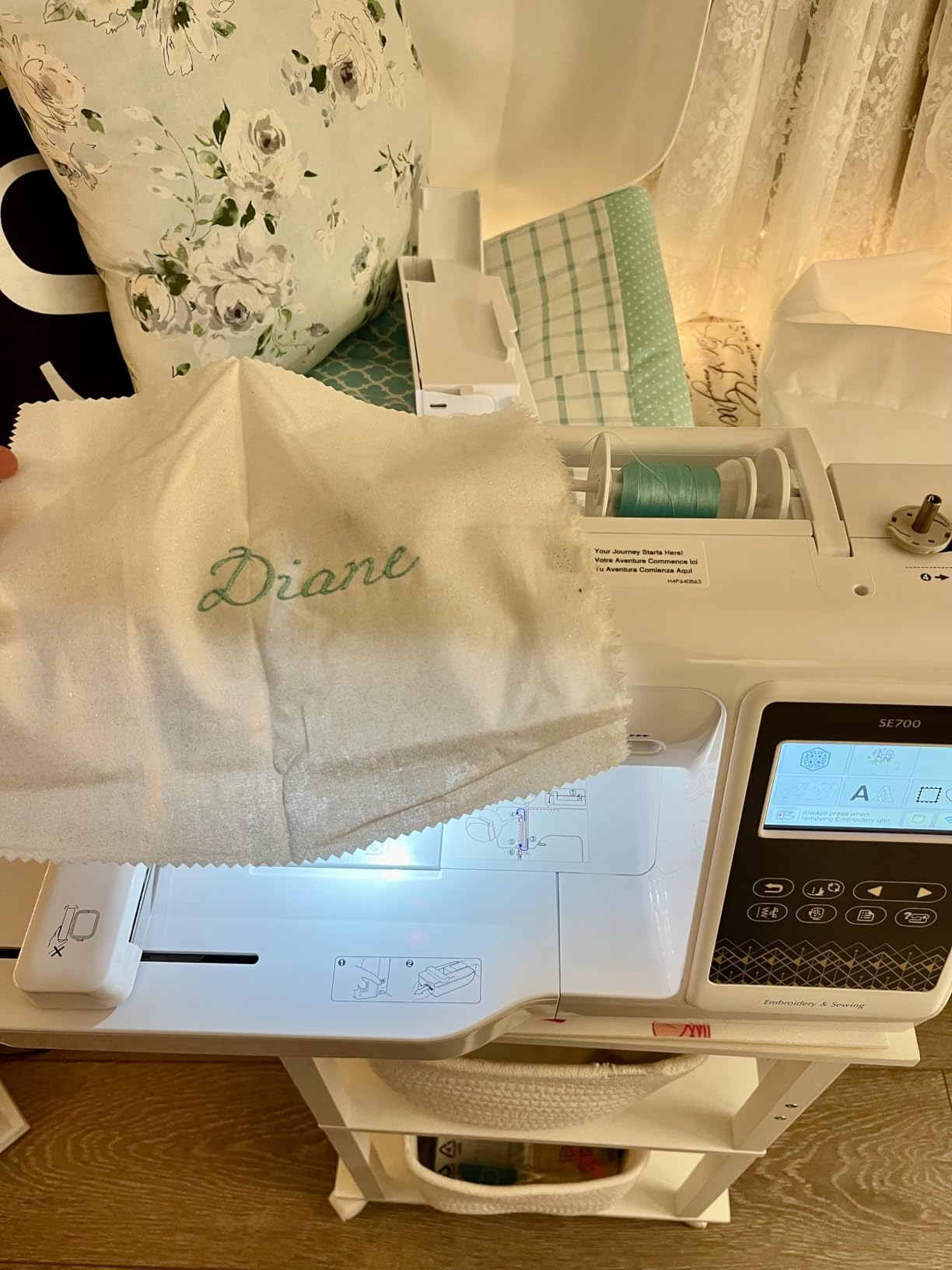
- Customer media shows both ordinary sewing and a manageable home setup.
Cons
- The 4×4 field is a permanent layout limit that some owners outgrow quickly.
- The supplied record includes looping, bobbin-thread pull-through, needle breaks and regular-sewing frustration.
- Custom digitizing and some desirable designs require software or paid services beyond the machine.
- Single-needle embroidery still requires manual color changes.
Our Verdict
Bottom line
The SE700 is one of the better low-friction ways to try both sewing and embroidery, provided 4×4 is large enough for the projects already planned.
Its value equation
One compact platform supplies ordinary sewing controls, a free arm and a complete 4×4 embroidery workflow. That is compelling for crafts, children’s garments and small personalization.
The boundary to accept
- The embroidery field will never become a true 5×7 area.
- Files still need proper digitizing and projects need stabilizer.
- Arrival testing should cover both modes, not only the exciting one.
Recommendation
Choose the SE700 for small mixed projects and guided learning. Move to the SE2000 when medium embroidery layouts are already part of the plan.
Frequently Asked Questions
Is the Brother SE700 both a sewing and embroidery machine?
Yes. It has 103 sewing stitches and a removable 4×4 embroidery unit.
What is its maximum embroidery size?
The maximum field is 4 by 4 inches, or 100 by 100 mm.
Can it receive designs wirelessly?
Yes. It supports wireless LAN, Design Database Transfer and Artspira, along with compatible file transfer methods.
Is it good for beginners?
Many supplied beginners found tutorials and prompts helpful, but embroidery preparation still requires practice with hooping, stabilizer, thread and files.
What should be tested first?
Check straight sewing, buttonholes and feeding, then mount the embroidery unit and stitch a built-in design before testing wireless custom files.
Technical Specifications
| Machine class | Computerized sewing and single-needle embroidery combination machine |
|---|---|
| Control type | Color LCD, buttons, speed slider, foot controller and wireless transfer |
| Primary functions | Garment sewing, crafts and 4×4 embroidery |
| Built-in stitches / applications | 103 sewing stitches |
| Maximum sewing speed | 710 stitches per minute |
| Speed control | Slider and foot controller |
| Needle stop up/down | Yes |
| Bobbin / looper system | Quick-set drop-in bobbin |
| Included presser feet | 8 |
| Buttonholes / eyelets | 10 one-step buttonholes |
| Maximum embroidery area | 4 × 4 inches / 100 × 100 mm |
| Built-in embroidery designs | 135 |
| Needle threader | Advanced |
| Warranty | Brother 1/2/25-year limited warranty |
Singer C7250 Review: Practical Quilting Controls With Cutter Concerns
Singer 9960 Review: Deep Stitch Choice With Real Quilting Utility
PooLin EOC02 Review: Beginner-Friendly Controls With Thick-Layer Limits