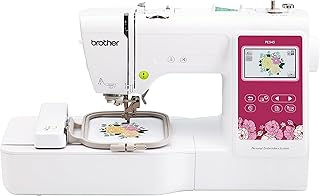
PooLin EOC05 Review: Beginner Embroidery Backed by Hands-On Support
At a Glance
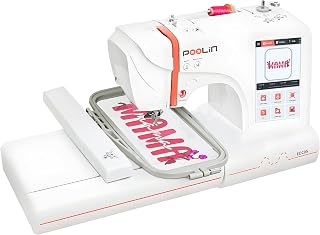
KEY FEATURES
- 4 × 9.25-inch field
- 130 built-in designs
- Seven-inch touchscreen
- USB and Wi-Fi transfer
PROS
- Owner reports repeatedly praise responsive technical support
- The large screen and starter kit reduce initial friction
- The long hoop gives lettering more room than a standard 4×4 field
CONS
- Thread nesting and bobbin setup appear in troubleshooting reports
- The four-inch width remains restrictive for many designs
- It is embroidery-only and cannot replace a sewing machine
Editorial Rating
Based on supplied customer reviews and verified product documentation
Price and availability subject to change
EOC05 ownership includes a computer and a route to support, as well as the embroidery machine. The supplied stories are most useful when read as accounts of preparing files, learning setup and fitting a design into the available field. Starting with those tasks makes the appeal and limits clearer.
From a supplied design to a file of your own
Start with a built-in low-density design, then lettering, then USB/Wi-Fi transfer. Photograph tension samples and record needle, thread and stabilizer so support can diagnose a reproducible setup.
Digital confidence changes the learning burden
One pleased novice was already comfortable with computers and described firmware and transfer work alongside help through messaging channels. Another wanted software for creating or editing original designs. These observations prevent a misleading shortcut: an accessible touchscreen does not mean every step before stitching happens on that screen. Consider whether the buyer wants to learn file preparation and digital troubleshooting as well as hooping and thread setup.
Getting assistance is part of the workflow
The strongest pattern in 100 supplied reviews is not a hardware feature: owners repeatedly describe engineers or support staff walking them through setup. That matters for a first embroidery machine.
Several owners needed help with bobbin placement, tension or nesting. Use the supplied design, fresh stabilizer and known embroidery thread to isolate the machine before blaming a downloaded file.
Choose a design that benefits from length
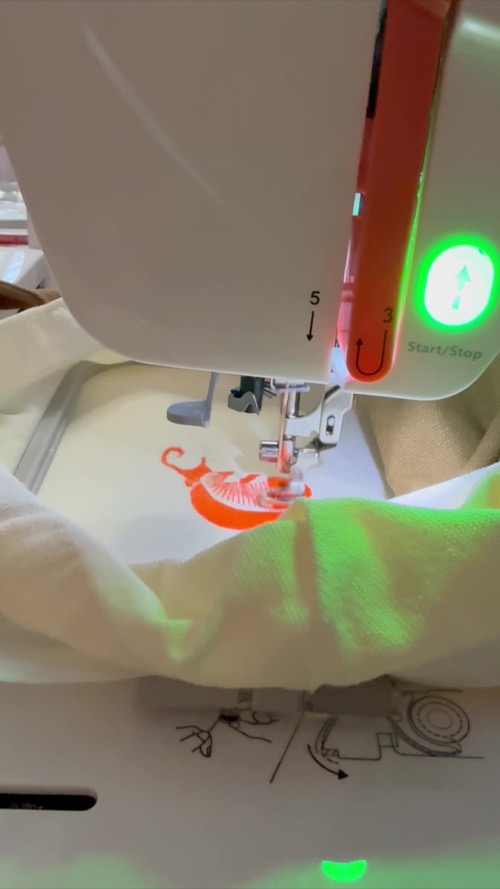
The 4 × 9.25-inch hoop suits names, sleeve-like layouts and borders, but every design remains limited to four inches across. A 5×7 or 8×8 machine solves a different problem.
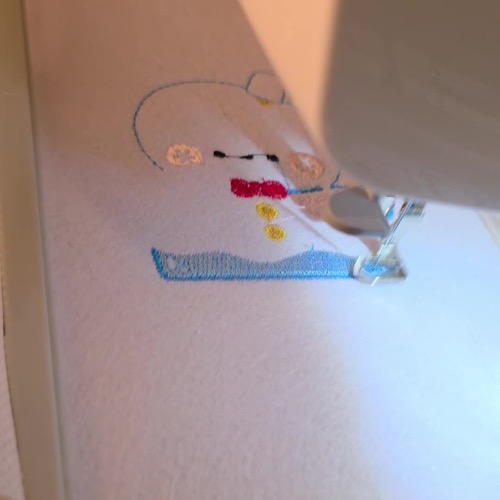
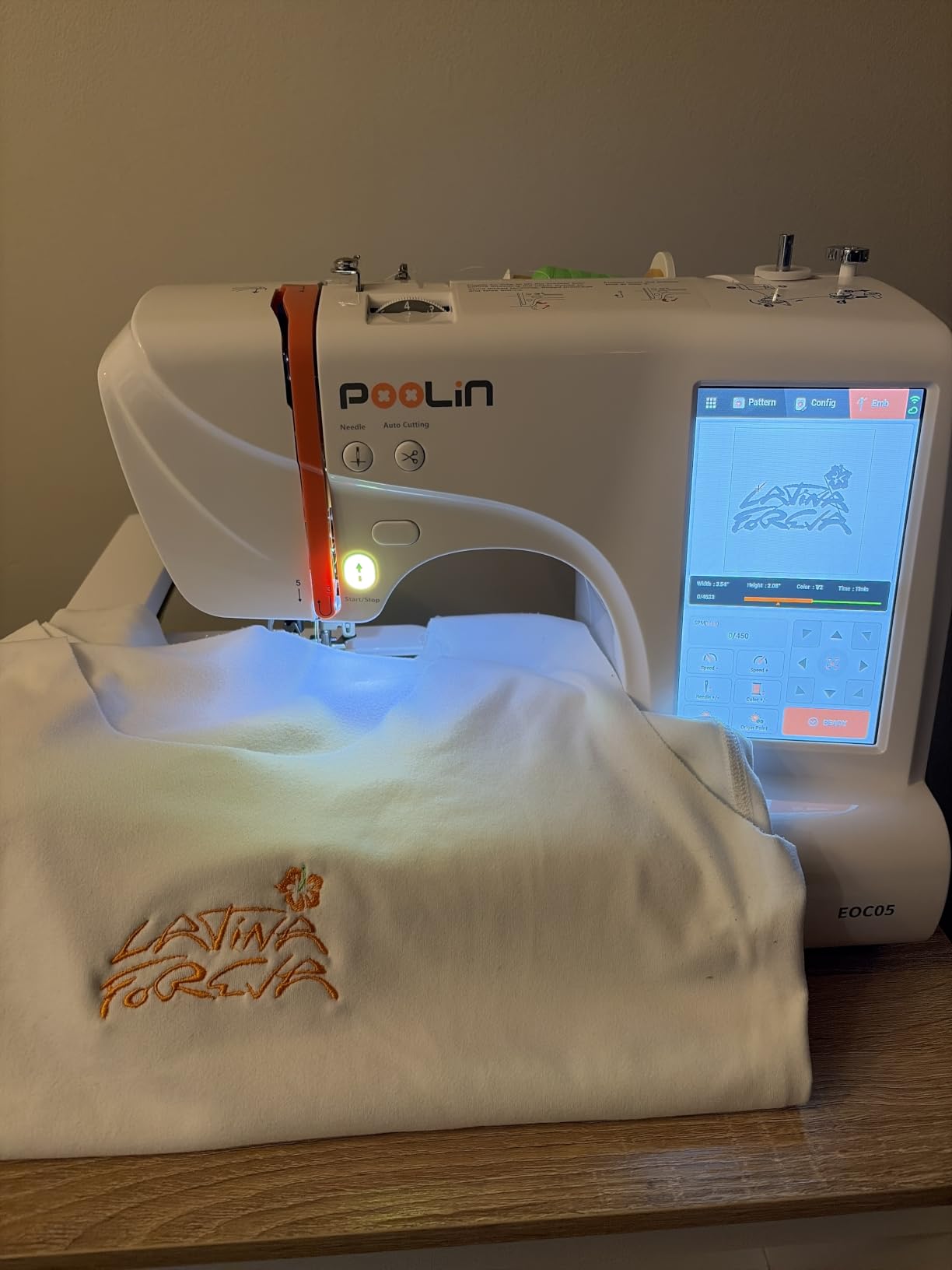
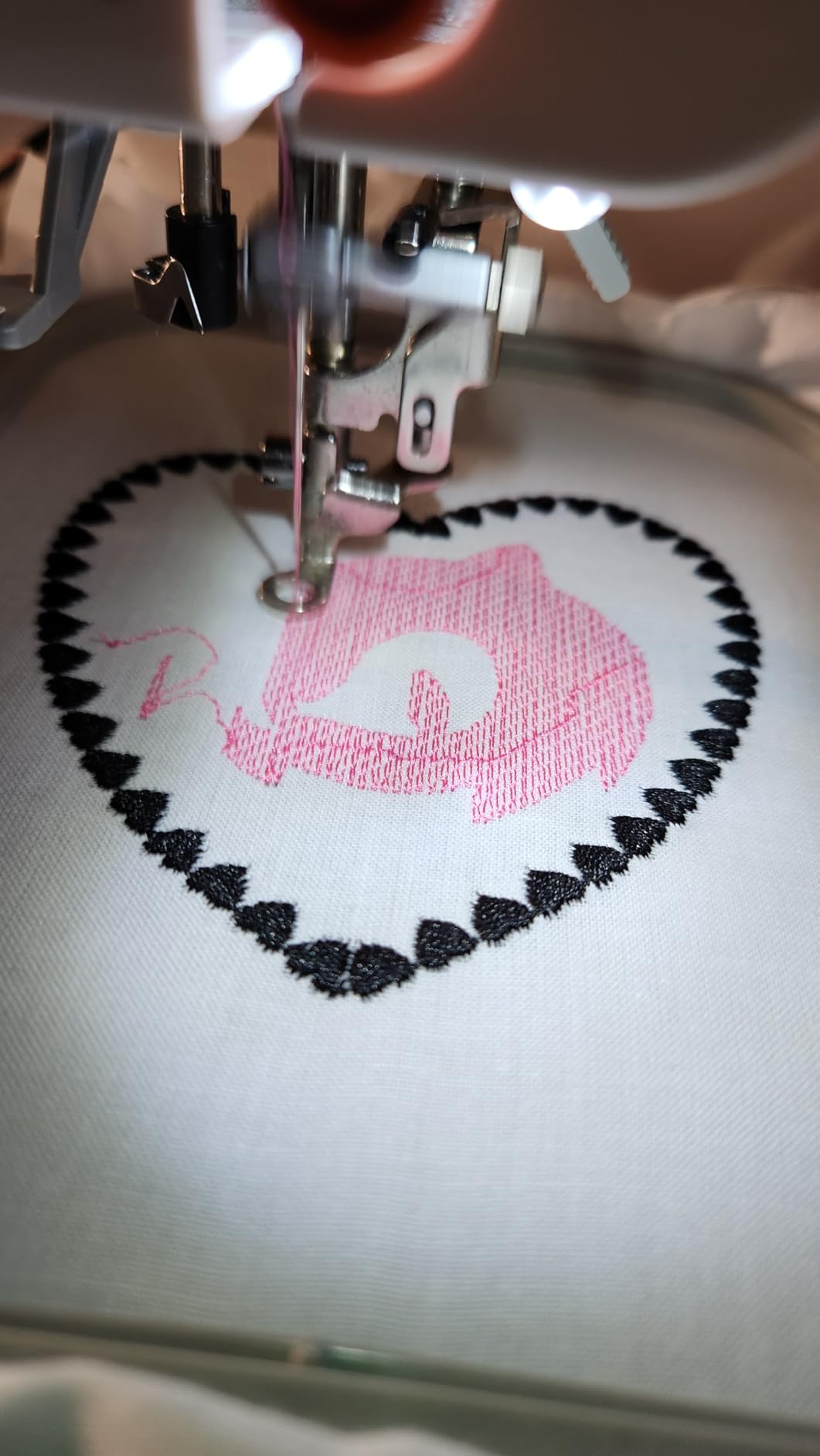
Customer photos
Pros & Cons Analysis
Based on supplied customer reviews and verified product documentation
Pros
- Support is part of the learning experience. A computer-comfortable novice described patient help through social channels while learning the machine. That support can matter more than an extra built-in design when setup stops progress.
- The screen and starter materials enable early practice. Owners describe progressing from included designs to test pieces. This gives a beginner a practical starting point while leaving thread, stabilizer and hooping choices to learn.
- The elongated field serves particular designs. More length is useful for lettering and narrow layouts. The advantage is the shape of the usable area, not unrestricted space for any design a buyer downloads.
Cons
- Custom artwork adds a separate skill. One satisfied owner still expected to need software for creating or editing files. Running a supplied design and preparing original embroidery are different purchasing expectations.
- Digital setup may require assistance. A supplied account involved firmware files, USB handling and help with transfer tools. These historical experiences show a learning burden; exact current software requirements still need checking.
- Width and stitch preparation remain limits. The narrow field restricts wider designs, while nesting and bobbin-setup complaints mean a friendly screen cannot replace proper preparation. It also remains an embroidery-only purchase.
Our Verdict
The strongest reason to buy
A first-time embroiderer who values responsive remote help and long narrow designs.
The strongest pattern in 100 supplied reviews is not a hardware feature: owners repeatedly describe engineers or support staff walking them through setup. That matters for a first embroidery machine. Owner reports repeatedly praise responsive technical support.
The boundary that decides it
- Thread nesting and bobbin setup appear in troubleshooting reports.
- The four-inch width remains restrictive for many designs.
- It is embroidery-only and cannot replace a sewing machine.
Our final recommendation
Start with a built-in low-density design, then lettering, then USB/Wi-Fi transfer. Photograph tension samples and record needle, thread and stabilizer so support can diagnose a reproducible setup. The supplied 100-review sample supports product-specific observations, not a statistical failure rate. Buy only after the exact seller bundle and return terms are clear, then complete the arrival checklist while every remedy remains available.
Frequently Asked Questions
What is the PooLin EOC05 best for?
A first-time embroiderer who values responsive remote help and long narrow designs.
What is its most important limitation?
Thread nesting and bobbin setup appear in troubleshooting reports.
Which feature matters most in comparison?
4 × 9.25-inch field is the clearest product-level distinction.
What should I test after delivery?
Thread and wind the bobbin from the manual, test the main controls on two fabric weights, and exercise the specific functions mentioned in negative owner reports.
How strong is the review evidence?
The supplied exact-product set contains 100 owner-review texts. It supports recurring themes and specific warnings, but not failure-rate claims.
Technical Specifications
| Machine class | Single-needle domestic embroidery machine |
|---|---|
| Control type | Computerized 7-inch touchscreen |
| Primary functions | Programmed embroidery and lettering |
| Built-in stitches / applications | 130 built-in embroidery designs |
| Maximum sewing speed | 650 embroidery stitches per minute |
| Needle threader | Automatic |
| Bobbin / looper system | Domestic embroidery bobbin system |
| Maximum embroidery area | 4 × 9.25 inches / 100 × 235 mm |
| Built-in embroidery designs | 130 |
| Design transfer / connectivity | USB and Wi-Fi |
| Included hoops | 4 × 4 and 4 × 9.25 inches |
| Warranty | PooLin limited warranty and remote support; confirm current seller and regional terms |
Brother SE700 Review: Accessible 4×4 Sewing and Embroidery
Janome Memory Craft 9850 Review: Capable Combo, Demanding Bobbin Care
Brother PE900 Review: Why the 5×7 Hoop Is the Real Upgrade