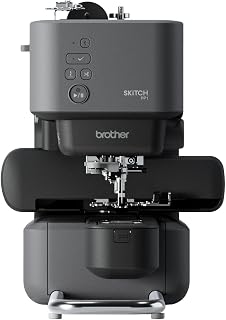
Brother SE2000 Review: A 5×7 Combo Machine With Room to Grow
At a Glance
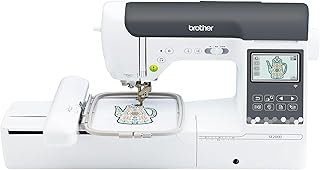
KEY FEATURES
- 5×7 embroidery field with 193 designs and 13 embroidery fonts
- 241 sewing stitches, 10 buttonholes and My Custom Stitch
- 3.7-inch touchscreen, wireless LAN and Artspira
- 850-spm sewing, knee lift and 8 included feet
PROS
- Owners like switching quickly between capable sewing and 5×7 embroidery
- The 5×7 field and touchscreen provide useful room for growth
- Automatic cutting, threading, sensors and wireless transfer streamline projects
CONS
- Complete beginners can find the combined workflow overwhelming
- Needle breaks, threading errors and defective arrivals appear in the supplied pool
- Design software, files and additional hoops add cost beyond the machine
Editorial Rating
Based on supplied customer reviews and verified product documentation
Price and availability subject to change
The Brother SE2000 is not an embroidery machine with token sewing added, or a sewing machine with a novelty hoop. Its 5×7 field, 193 embroidery designs and wireless transfer sit beside 241 sewing stitches, an 850-spm ceiling and eight feet. That breadth is valuable when both workflows are real—and demanding when a beginner expects one-button creativity.
The 5×7 field keeps early projects from feeling cramped
Compared with a 4×4 starter, 5×7 accepts longer lettering and more medium motifs without splitting a design. One supplied owner reports more than a million stitches in the first month and praises the quick conversion between modes; another beginner used the combination for a custom-apparel business and found the touchscreen approachable after Brother tutorials.
Changing modes is quick; mastering them is not
Removing the embroidery unit and installing the correct foot takes seconds once familiar. The knowledge change is larger: garment sewing asks about seam construction and fabric feed, while embroidery adds hooping, stabilizer, digitizing quality and color sequencing. One candid novice spent 14 hours learning, broke needles and completed only part of a design despite finding the touchscreen itself clear.
A real domestic machine
Speed control, knee lift, buttonholes, utility stitches and eight feet support regular garment and craft work.
A useful 5×7 platform
Wireless transfer, editing and automatic trimming improve the home single-needle workflow.
Preparation remains visible
Broken needles and incomplete designs often send owners back to threading, hooping, stabilizer and the manual.
Software and support belong in the budget
Artspira and Design Database Transfer move compatible designs, but custom artwork may require paid files or digitizing software. A supplied owner also found that a local store would not provide a class for a model bought elsewhere. Before purchase, decide where troubleshooting will come from and whether the free design ecosystem covers the first projects.
- Sew straight, zigzag and a buttonhole before mounting the embroidery unit.
- Stitch one built-in design with known thread and stabilizer.
- Transfer one file wirelessly and one by USB if both matter.
- Test sensors, cutter, threader and knee lift.
- Confirm the 5×7 hoop and all eight feet are present.
The supplied record supports the SE2000 as a versatile step-up platform, not a shortcut around technique. Its strongest buyer wants to make garments and add medium-scale embroidery without maintaining two full machines. Anyone focused on sewing alone, or uncertain about embroidery preparation, will get better value from a narrower tool.
Make the combination pay for itself on paper
List the next six projects and mark which require ordinary sewing, which require embroidery and which genuinely use both. A buyer planning five garments and one small monogram may get better sewing value from a dedicated machine plus outsourced embroidery. A buyer adding names, motifs and labels to self-made garments can use the SE2000 without moving work between two platforms.
The same exercise clarifies accessory spending. A magnetic hoop, extra bobbins, embroidery thread, stabilizers and digitized files may be useful, but none should be purchased simply because the machine supports them. Complete the included 5×7 workflow first, then add the accessory that removes a demonstrated bottleneck rather than building a speculative collection.
Customer photos
Pros & Cons Analysis
Based on supplied customer reviews and verified product documentation
Pros
- Several owners call the SE2000 unusually versatile for its class and praise both sewing and embroidery output.
- The 5×7 field accommodates medium designs while 241 sewing stitches cover garments, crafts and quilting.
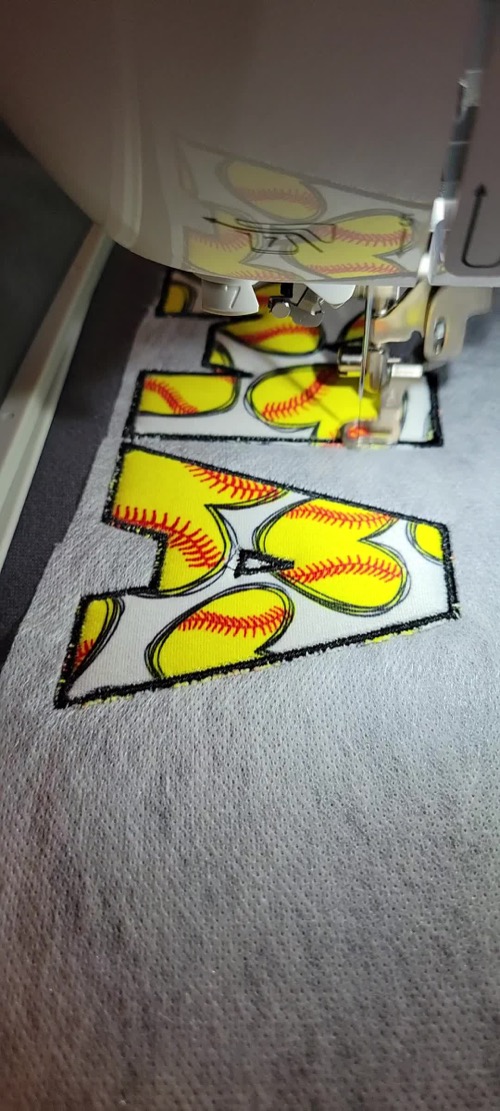
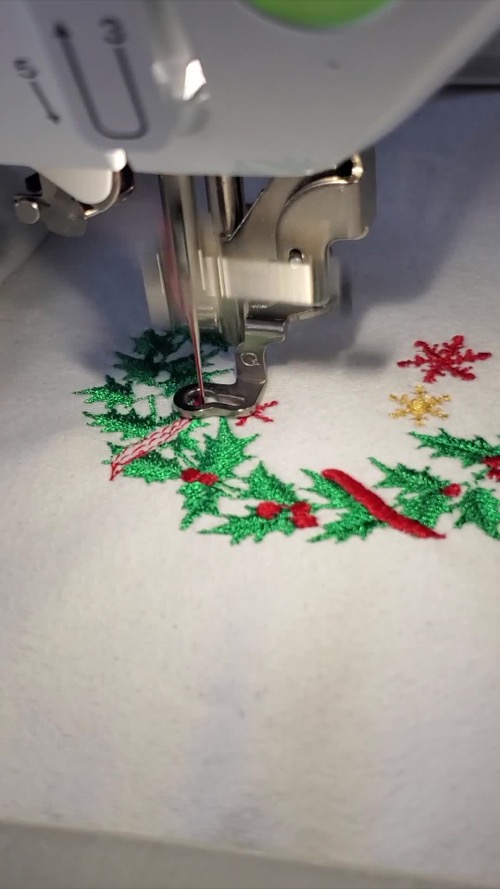
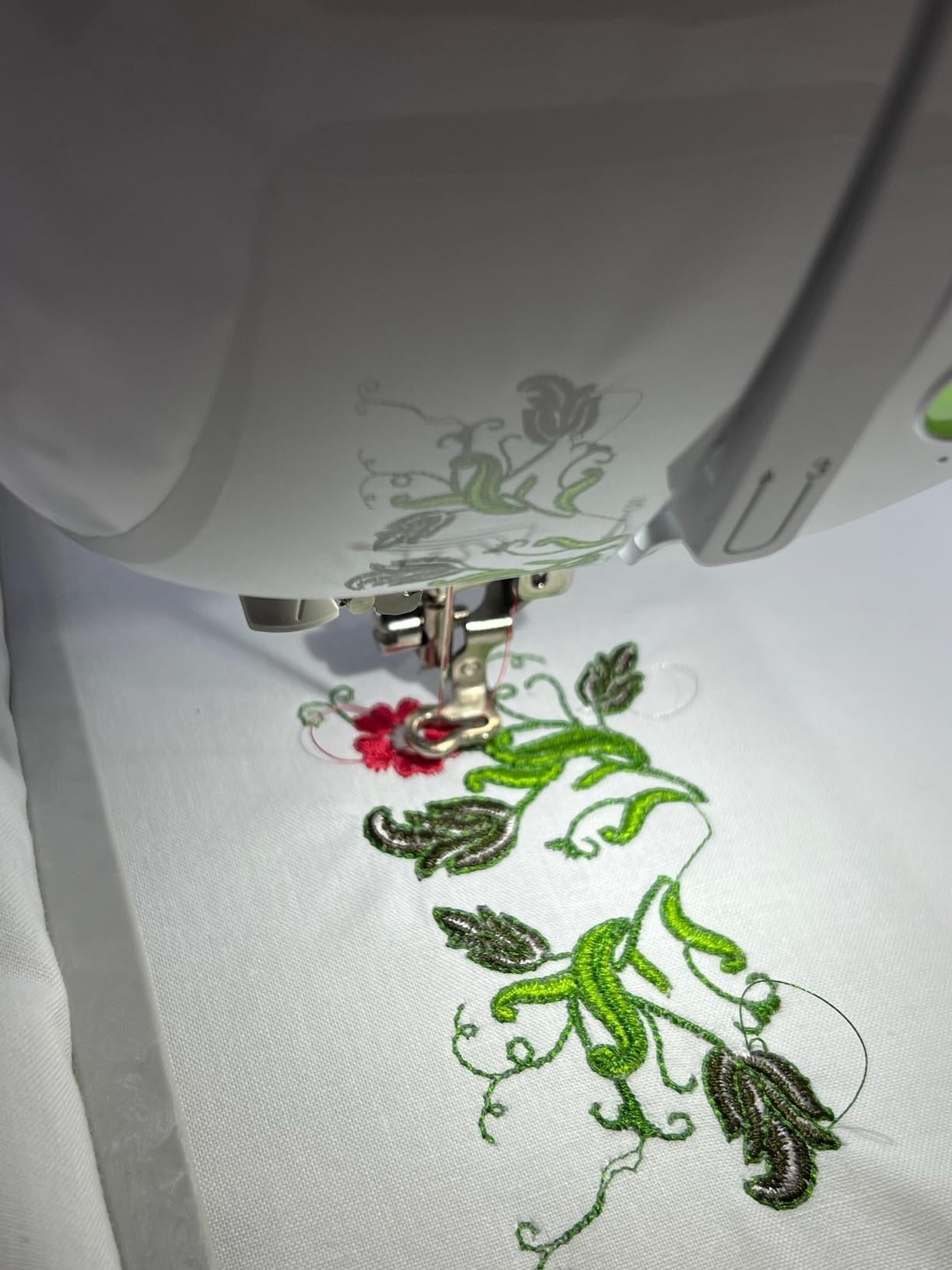
- Customer media shows clean lettering and multicolor designs produced in home settings.
- Knee lift, automatic thread handling and eight feet make the sewing side more than an afterthought.
Cons
- One novice spent many hours learning and broke multiple needles before completing basic embroidery, illustrating the preparation burden.
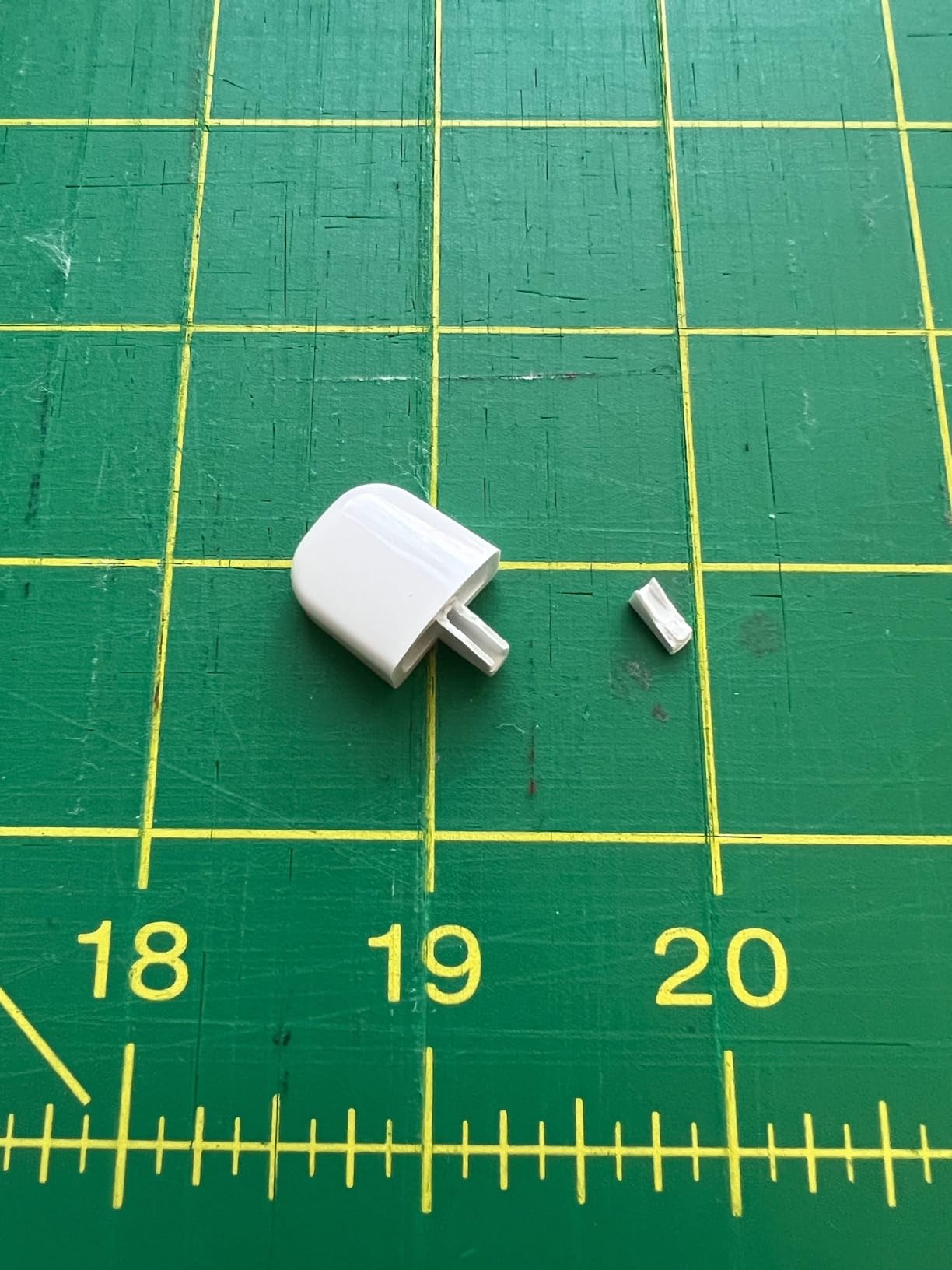
- The owner pool includes repeated needle-position defects, damaged arrivals and returns, though it does not establish a failure rate.
- Single-needle embroidery requires manual color changes and additional purchased designs or software may be needed.
- Local dealer training may not be available for machines bought online.
Our Verdict
One machine, two genuine workflows
The SE2000 is a strong choice when both garment sewing and 5×7 embroidery will be used regularly; it is unnecessary complexity when only one side matters.
Reasons to choose it
- A 5×7 field without giving up a capable 850-spm sewing machine.
- Automatic thread handling, knee lift and a useful included foot set.
- Wireless transfer plus USB and built-in designs.
Plan for the learning curve
Embroidery success still depends on hooping, stabilizer, thread, needles and suitable files. Work through one built-in design before adding custom software or accessories.
Recommendation
The SE2000 has the best growth case in this batch for a committed mixed-workflow hobbyist. A sewing-only buyer or someone satisfied with 4×4 embroidery can spend less and learn fewer systems.
Frequently Asked Questions
What is the Brother SE2000 embroidery area?
The maximum field is 5 by 7 inches, or 130 by 180 mm.
Can it function as a regular sewing machine?
Yes. It includes 241 sewing stitches, 10 buttonholes, eight feet, a foot controller and an 850-spm maximum sewing speed.
How quickly does it switch between sewing and embroidery?
The embroidery unit and flatbed arm are removable, and owners describe the physical conversion as quick. The presser foot and settings must also match the selected mode.
Is it appropriate for a first machine?
It can be learned, but the combined sewing, hooping, file-transfer and stabilizer workflow is more demanding than a simple sewing-only machine.
Does it change embroidery colors automatically?
No. It is a single-needle machine, so each thread color is changed manually.
Technical Specifications
| Machine class | Computerized sewing and single-needle embroidery combination machine |
|---|---|
| Control type | 3.7-inch touchscreen, buttons, foot controller and wireless transfer |
| Primary functions | Garment sewing, quilting and programmed embroidery |
| Built-in stitches / applications | 241 sewing stitches |
| Maximum sewing speed | 850 stitches per minute |
| Speed control | Slider and foot controller |
| Needle stop up/down | Yes |
| Bobbin / looper system | Quick-set drop-in bobbin |
| Included presser feet | 8 |
| Buttonholes / eyelets | 10 one-step buttonholes |
| Maximum embroidery area | 5 × 7 inches / 130 × 180 mm |
| Built-in embroidery designs | 193 |
| Needle threader | Automatic |
| Warranty | Brother 1/2/25-year limited warranty |
PooLin EOC02 Review: Beginner-Friendly Controls With Thick-Layer Limits
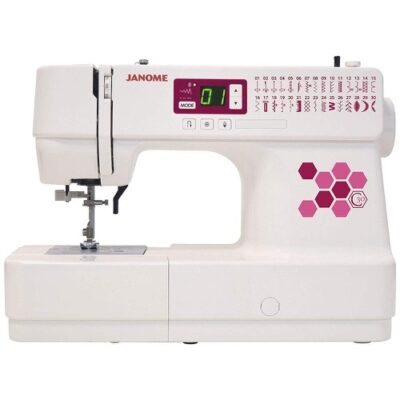
Janome C30 Review: Lightweight Computerized Control With a Quilting Caveat
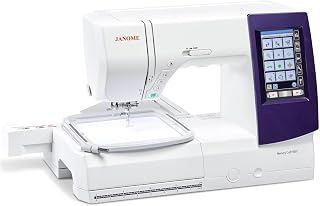
Janome Memory Craft 9850 Review: Capable Combo, Demanding Bobbin Care