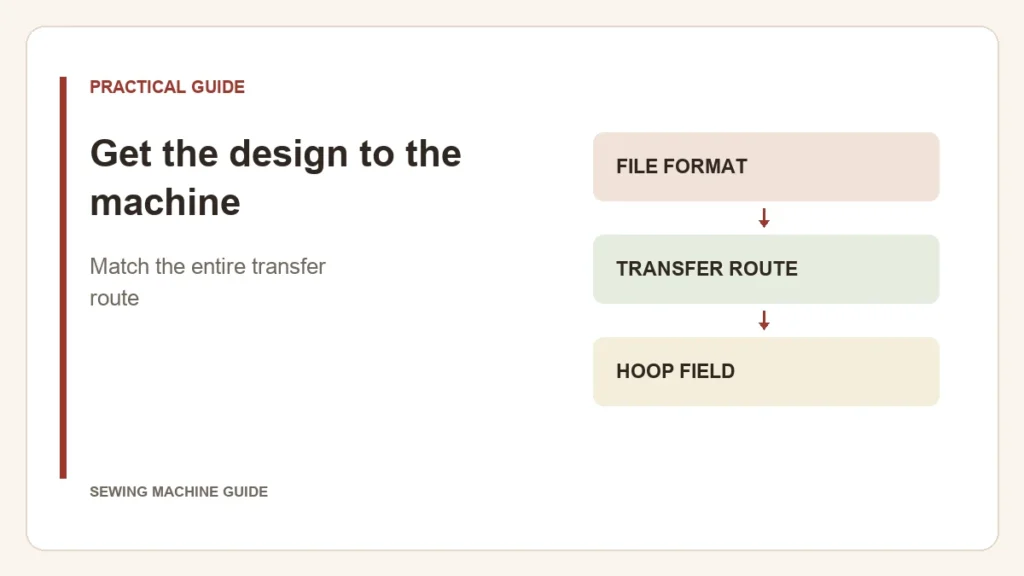
An embroidery file has to pass three separate checks: it must suit the machine, travel by a supported route and open within the machine’s design limits. Wireless transfer changes the middle step. It does not make an incompatible design usable.
Pick the supported route from your own device
| Route | What you need to establish |
|---|---|
| USB storage | Supported media, file format and any folder requirements in the exact manual |
| Computer transfer | Compatible operating system, transfer utility and machine connection |
| Mobile app | Supported machine, app features and the permitted way to import or create your design |
Brother documents Design Database Transfer for the SE700 as a Windows workflow, with compatible PE-DESIGN software another option. The SE700 product page also describes Artspira connectivity. These are specific supported routes; “Wi-Fi” alone does not promise transfer from every phone or computer.
Where did the process stop?
Opening the file is not the last check
Before stitching, confirm the displayed size, orientation and color sequence, then perform the machine’s placement check with the intended hoop. A successful transfer confirms that the design reached the machine; it does not confirm that the garment is positioned correctly.