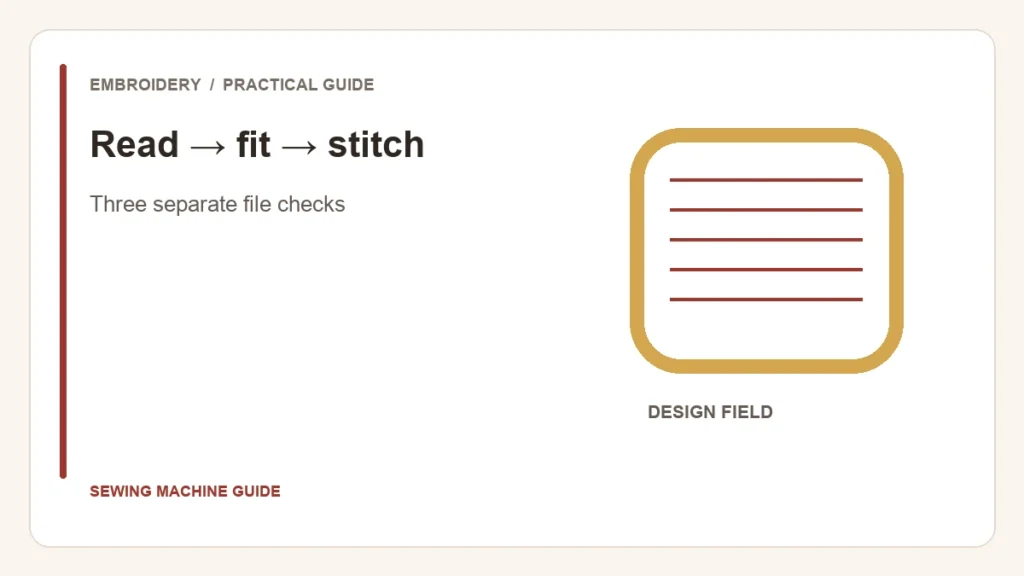
A compatible extension means the machine may read the file. It does not establish that the design fits, stays within stitch limits or remains well digitized after resizing. Treat file recognition, field fit and stitch quality as three separate checks.
Read
Does the exact model accept this format and transfer method?
Fit
Do the design’s dimensions and limits fit the selected field?
Stitch
Does the design remain suitable at its intended size?
Preserve the original before editing
Keep the downloaded original and its instructions in a separate folder. Name any modified copy with its dimensions and software version. This makes it possible to return to the intended design rather than trying to undo several undocumented changes.
Read the format list in the machine’s current manual. A computer displaying the file is not the same as the machine accepting it, and changing the letters after the filename does not convert its contents. Obtain the correct supplied format or use software that explicitly supports the conversion.
Resizing can change the relationship between stitches
Brother’s PE-DESIGN 11 manual distinguishes scaling stitch data from operations that recalculate stitching. Changing dimensions without an appropriate recalculation can change spacing and density. Do not assume that dragging a corner preserves the original stitch quality.
| Operation | Question to answer |
|---|---|
| Reduce dimensions | Will the stitch data become too crowded, or does the tool recalculate it? |
| Enlarge dimensions | Will coverage become sparse or stitches unsuitable? |
| Convert format | Which information survives the conversion and what must be rechecked? |
| Rotate to fit | Do both final dimensions fit the actual field in that orientation? |
Some machines provide specific density-aware resizing functions. Brother’s XV8500D/XV8550D resizing guidance is an example, not a promise about every machine with a size button. Its supported patterns and limits still apply.
Run the file through the actual workflow
- Confirm the format, transfer route and machine limits from the exact manual.
- Open the design and record width, height and stitch count; compare with its supplied instructions.
- Choose an approved hoop and verify the usable embroidery field. The hoop-versus-field distinction explains why outside frame dimensions are insufficient.
- If resizing is needed, check the designer’s permission and the software’s actual operation. Prefer an appropriately digitized size when the change is uncertain.
- Test the saved file on representative fabric and stabilizer before using the finished item.
Keep a successful file, not just a successful screen
Save the tested copy with the sample and setup notes. A preview can confirm placement and dimensions but cannot establish thread behavior on the chosen material. If the machine rejects the file, record the error and check compatibility before altering the design again.