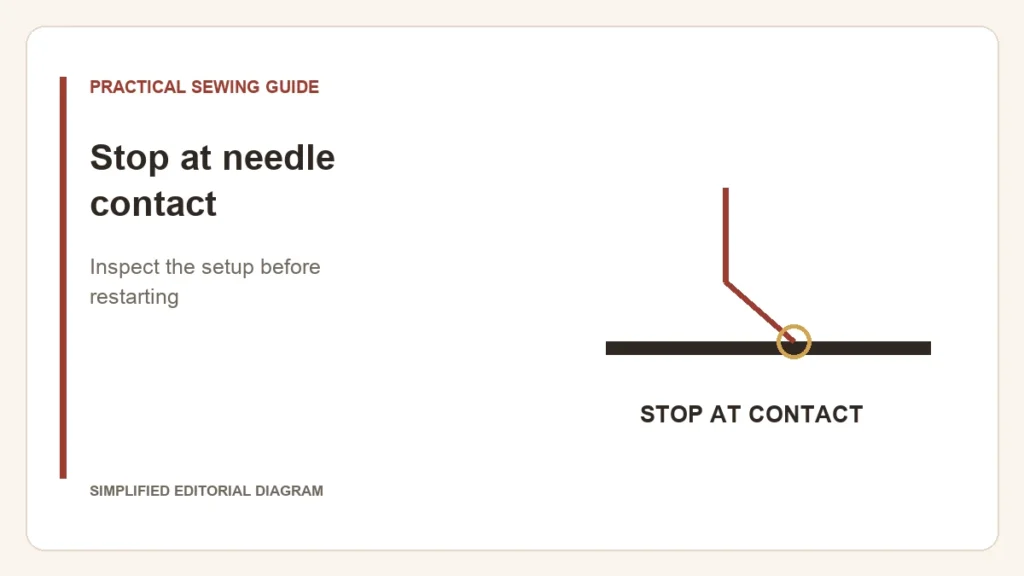
Stop sewing when the needle contacts the plate or foot. Do not test whether more speed will push it through. Make the machine safe according to the manual, then inspect the setup that changed before the contact started.
Start with what was fitted or selected
- Needle: check the approved system, insertion direction, seating and clamp. Replace a bent or damaged needle with the correct new one.
- Foot and plate: check their exact compatibility and the opening required by the stitch.
- Stitch and position: a lateral stitch or shifted needle may not fit a straight-stitch opening.
- Fabric handling: pulling the work can deflect the needle, especially at a difficult join.
Brother’s needle-strike guidance for SQ9000/SQ9050 lists installation, a loose clamp, bent needles, unsuitable needle/thread/fabric combinations, tension and pulling as checks. Other models can require different insertion details; use the matching manual, not the pictured orientation by assumption.
Two different next steps
Give support a precise description
Record the model, needle, foot, plate and selected stitch. Note whether contact occurred without fabric, only at a thick crossing, or after an attachment change. Keep the damaged needle safely and photograph the relevant setup if support requests it.
The plate-clearance guide helps prevent an incompatible change. For a join that stalls without any contact, use the thick-seam diagnosis. Persistent needle contact needs resolution before another project, not a stronger needle as a workaround.