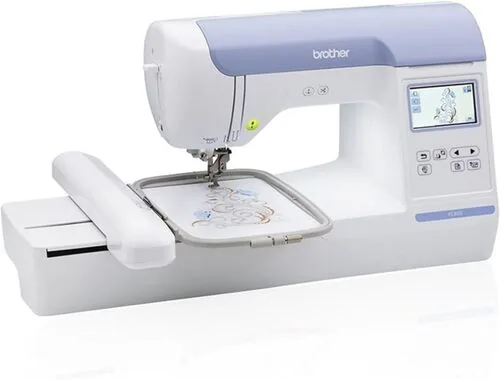
The PE800 is a dedicated embroidery choice. Start with the dimensions of the designs you actually want to stitch: a larger pattern library cannot compensate for a design that does not fit the embroidery field.
Plan the design before buying the hoop
Brother confirms a maximum 5 × 7-inch design area for the PE800. That is the relevant limit for a design stitched in one placement. An accessory frame advertised with larger outer dimensions does not, by itself, establish a larger single embroidery area.
- Compare the finished dimensions of names, logos and motifs with the usable field, including any border.
- Decide whether a design must stitch in one placement or whether you are willing to learn alignment across separate placements.
- If hems, zippers and garment construction are also needed, budget for a sewing machine rather than treating an embroidery model as a substitute.
Pros & Cons Analysis
Benefits and limits of the documented features.
Advantages
- The confirmed 5 × 7 field is a concrete reason to compare this model when a planned design exceeds a smaller field. Choosing from actual pattern dimensions is more useful than choosing by the number of designs advertised.
Limitations
- Field size alone does not establish successful stitching on caps, thick towels or awkward finished garments. Hooping access, the design and the material still matter.
- Neither design-area dimensions nor an accessory list establishes durability, noise levels or business throughput.
Our Verdict
Choose around the designs you will repeat
Consider the PE800 when a dedicated embroidery setup and the 5 × 7 field match your work. If you need a different workflow, compare the PE900 review before transferring expectations between models. For a used PE800, have the actual machine demonstrate the design type you intend to repeat.